
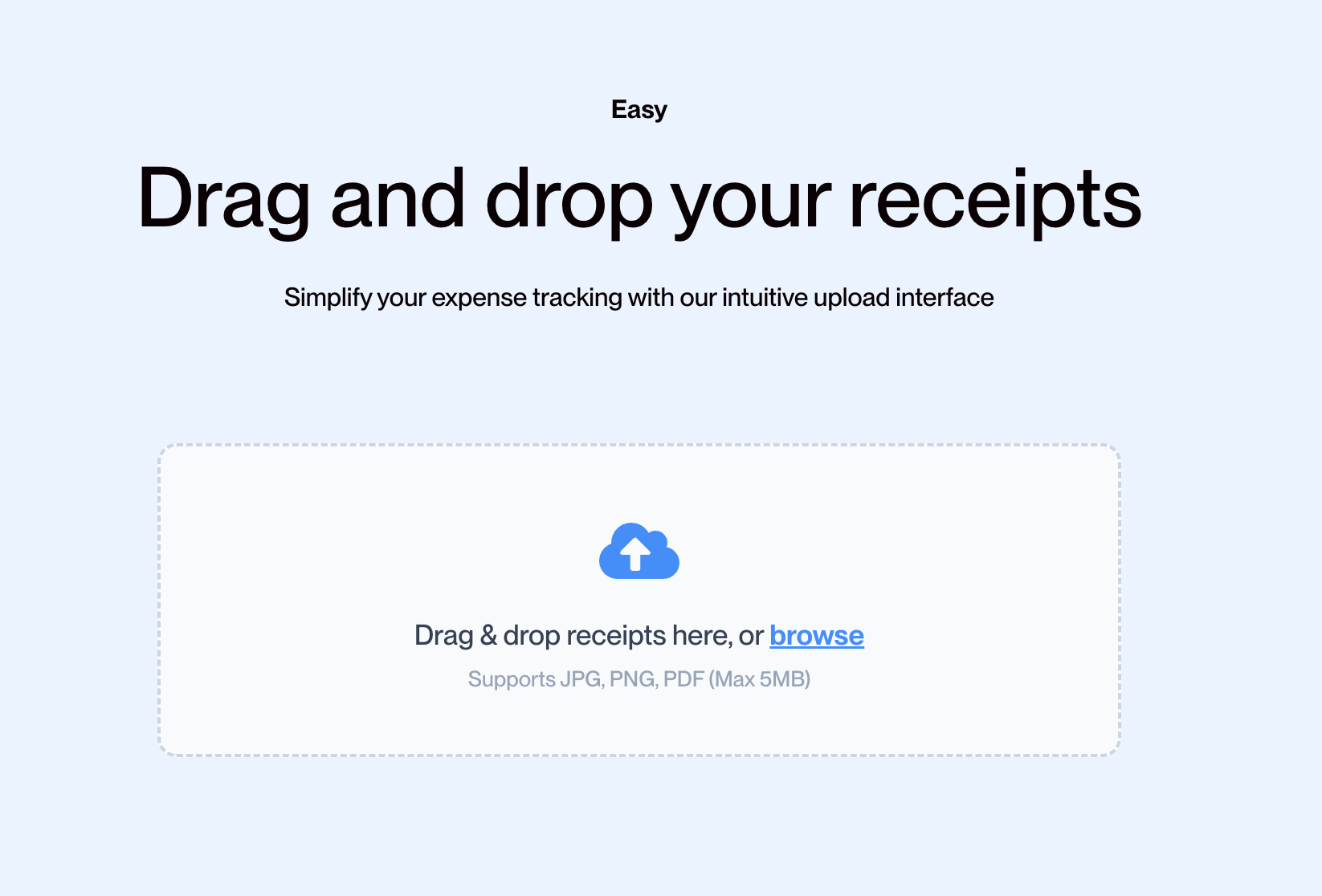
Snap a photo, upload a batch, or forward an email
Receipt Scan accepts receipts however you want to send them. Phone photos or emails forwarded to your unique inbound address all work instantly.
Stay updated with our latest features and product improvements
From AI-powered data extraction to smart financial insights, discover how our platform turns your messy shoebox of receipts into actionable financial data.
From the moment you upload a receipt to the moment your accountant receives clean data, everything happens automatically.
AI technology reads receipts in seconds, no matter the format.
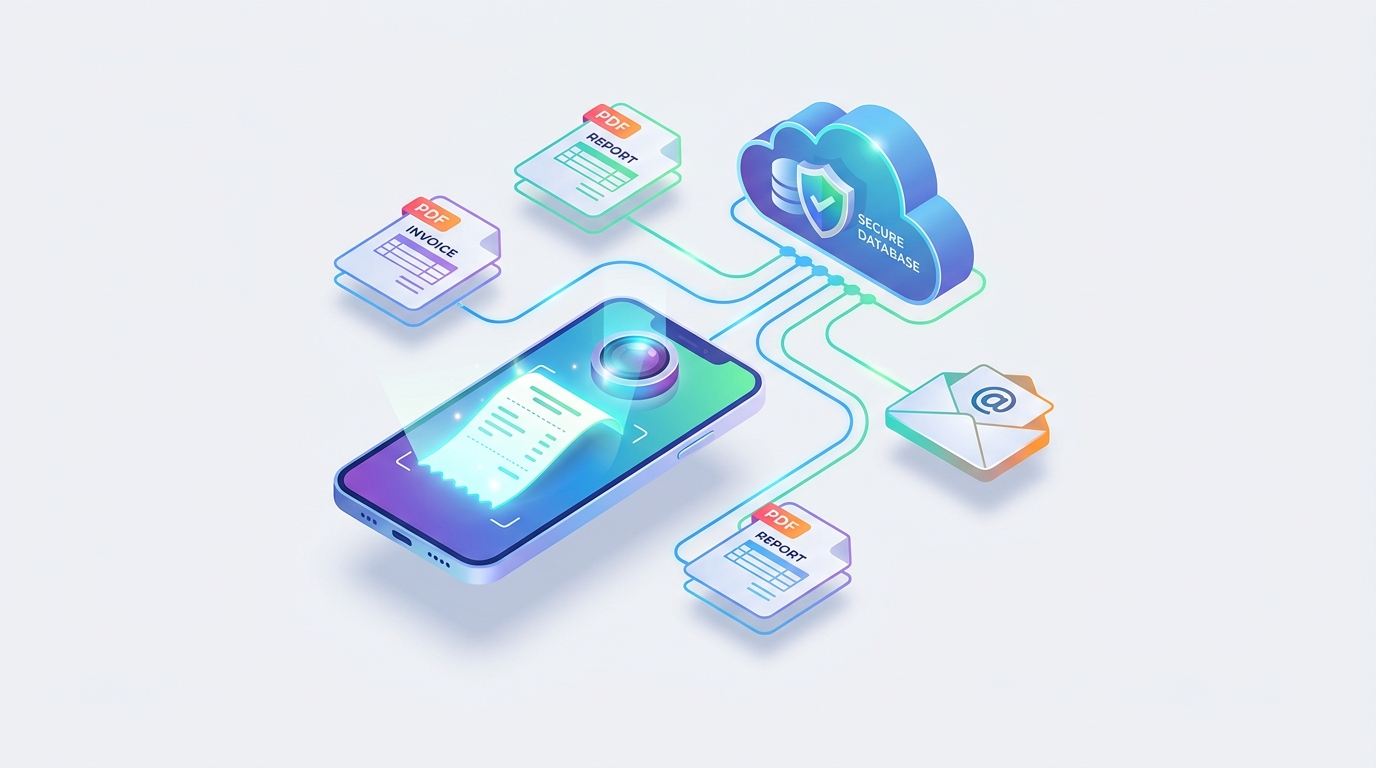
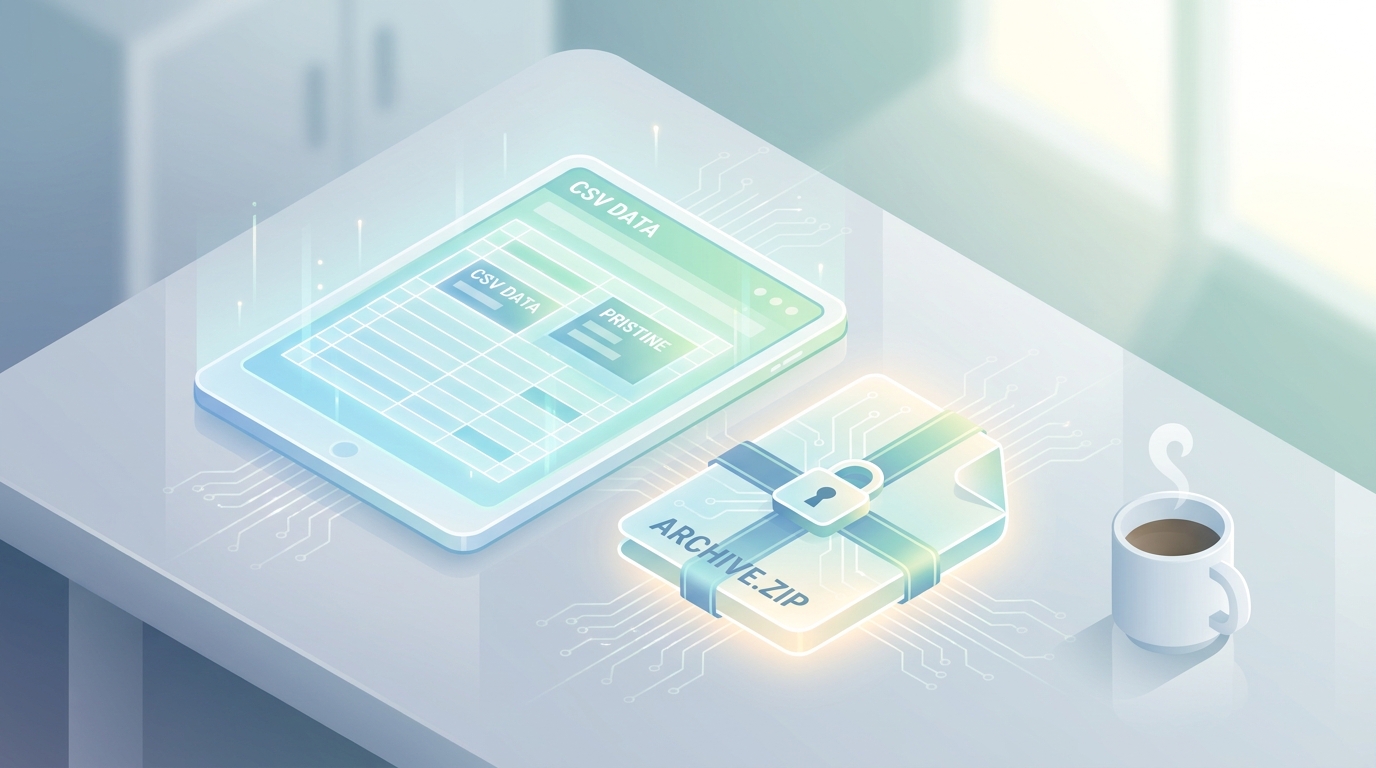
Download your extracted data as a CSV for Excel, or export all your receipt images in a single ZIP file for tax season.
Send your receipts to anyone, anywhere, and with the attached receipt images and CSV file, they can easily import your receipts into their accounting software.
Receipt Scan accepts receipts however you want to send them. Phone photos or emails forwarded to your unique inbound address all work instantly.
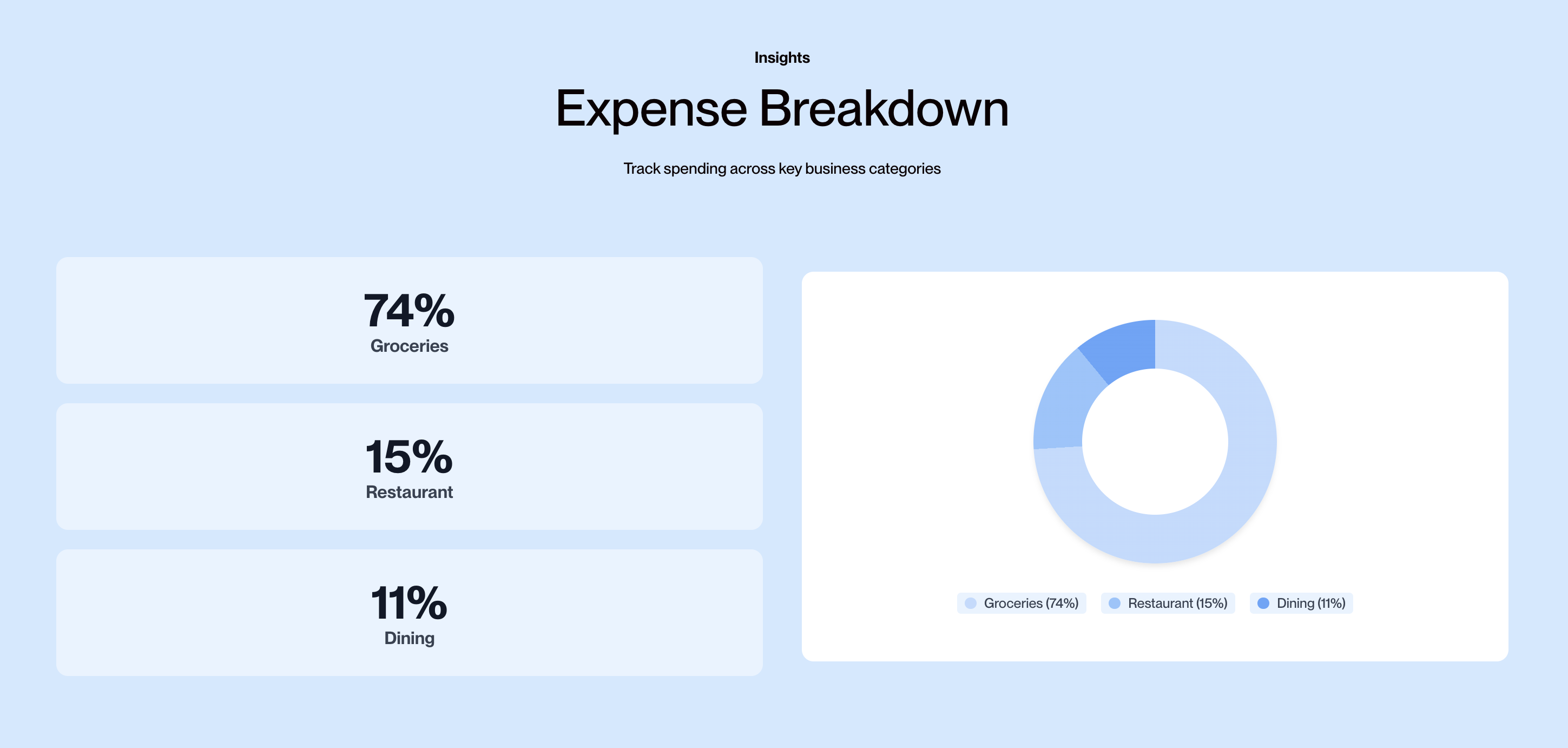
Our system reads more than just numbers. It understands your business and categorizes each expense into the right bucket. Whether classifying a client dinner or your family's weekly groceries, our AI learns your custom categories.
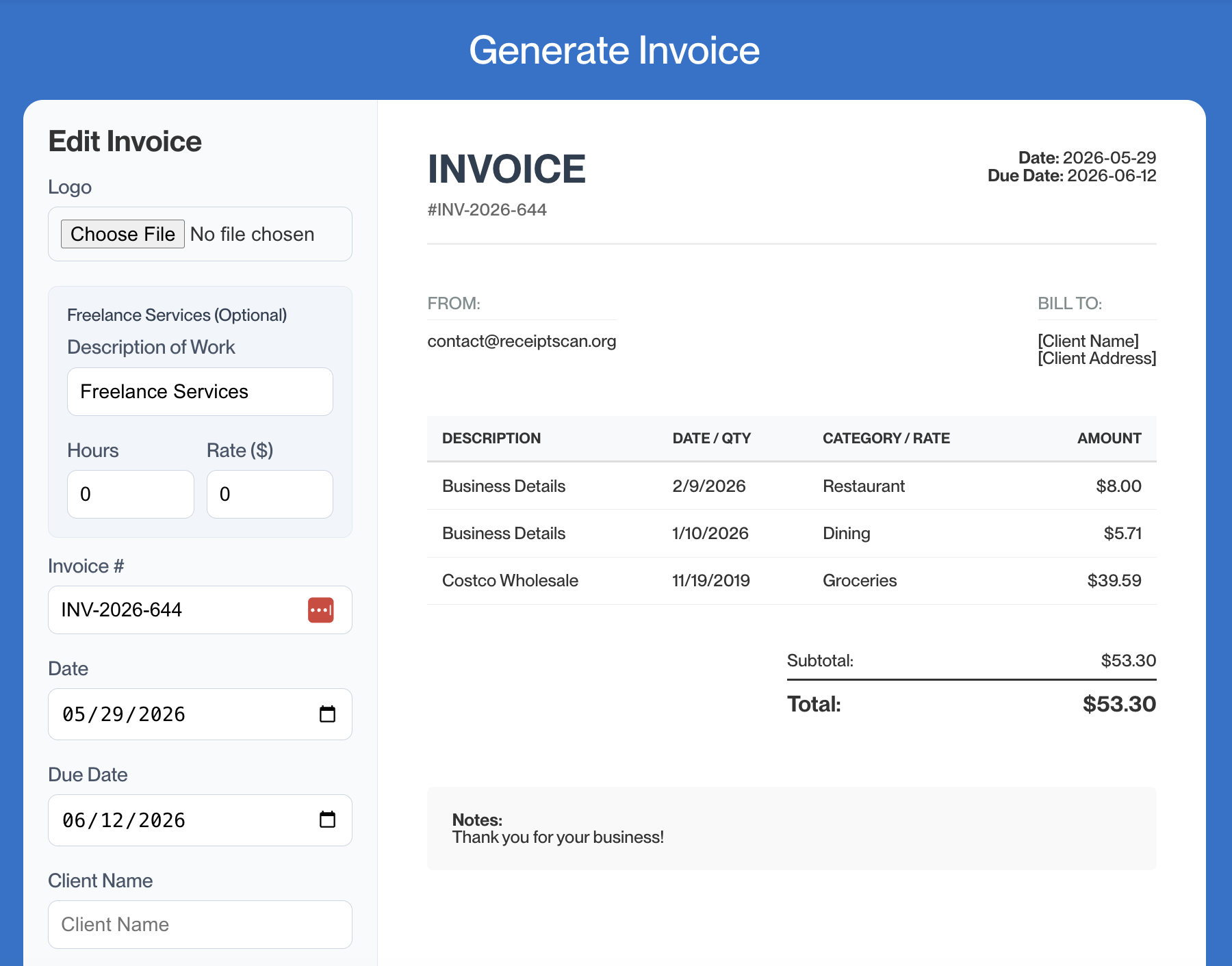
Pull your categorized expenses into CSV, Excel, or PDF invoices. Everything is formatted and ready to use in your accounting software or send directly to clients.
Stop hoarding paper and digging through inboxes. Our advanced AI technology accurately extracts vendor names, dates, amounts, and taxes from any receipt. Whether you snap a photo on your phone, upload a bulk batch of photos, or forward an email directly to your custom inbound address, Receipt Scan processes it in seconds.
Say goodbye to manual data entry. Our proprietary AI doesn't just read your receipts; it understands them. It automatically learns your spending habits and categorizes expenses so your records are always tax-ready. Need custom rules? You can easily train the AI to fit your specific accounting workflow.

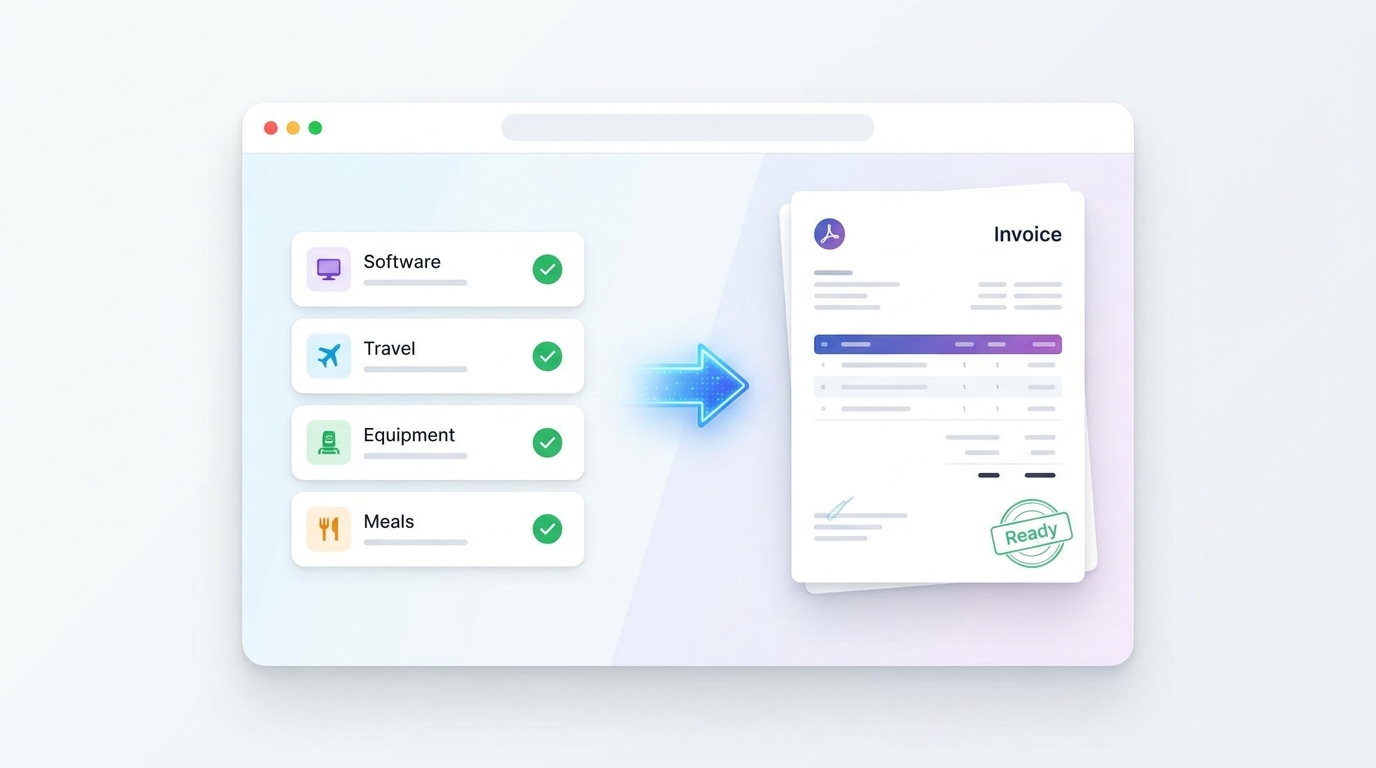
Stop duplicating work. Select any combination of categorized receipts and instantly generate a professional, formatted PDF invoice. Perfect for freelancers passing material costs to clients. Customize the invoice with your logo, add custom tax rates, and download it instantly—ready to send.
Getting your data out of Receipt Scan is as easy as getting it in. Export your categorized expenses as a clean CSV or Excel spreadsheet, perfectly formatted for your accounting software. Need the original files for an audit? Download a ZIP file containing the pristine, original images of every receipt.
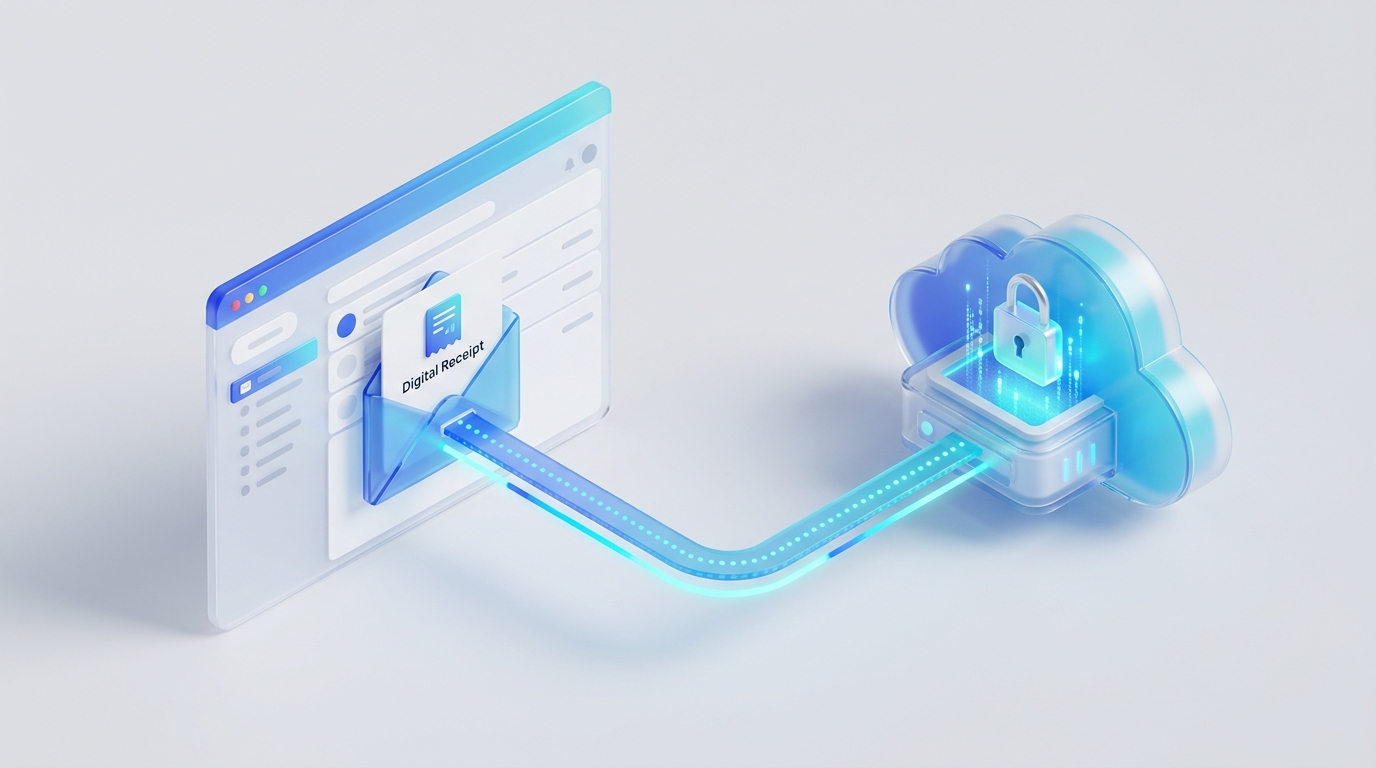
Every account comes with a unique, secure inbound email address. When you receive an Uber receipt or a software subscription invoice, simply forward it to your Receipt Scan address. Our system automatically parses the email, extracts the receipt attachment, and categorizes the expense before you even log in.
Stop wrestling with receipts. Start building your business instead.