

The Freelancer’s Dilemma - Paper Trails, Lost Time, and Wearing Too Many Hats
When you make the leap into the freelance world, you are signing up for much more than just providing a service. You instantly become the CEO, the marketing director, the customer service representative, and, often most dreaded of all, the chief financial officer of your own one-person enterprise. As a freelancer, your time is literally your money. Every single hour you spend manually typing expense data into a cumbersome, endless spreadsheet is a billable hour you have permanently lost. It is time you aren’t actively working for a client, pitching new business, or simply enjoying the freedom that likely drew you to freelancing in the first place.
Yet, despite living in an era of unprecedented technological advancement, many independent contractors still find themselves buried under a mountain of crumpled paper receipts come tax season. They rely on the infamous "shoebox method"—tossing every coffee shop receipt, office supply invoice, and travel ticket into a physical box, hoping to make sense of the chaos in April. This is exactly where an AI receipt scanner app shifts from being a mere convenience to an absolute, non-negotiable essential tool for your business arsenal.
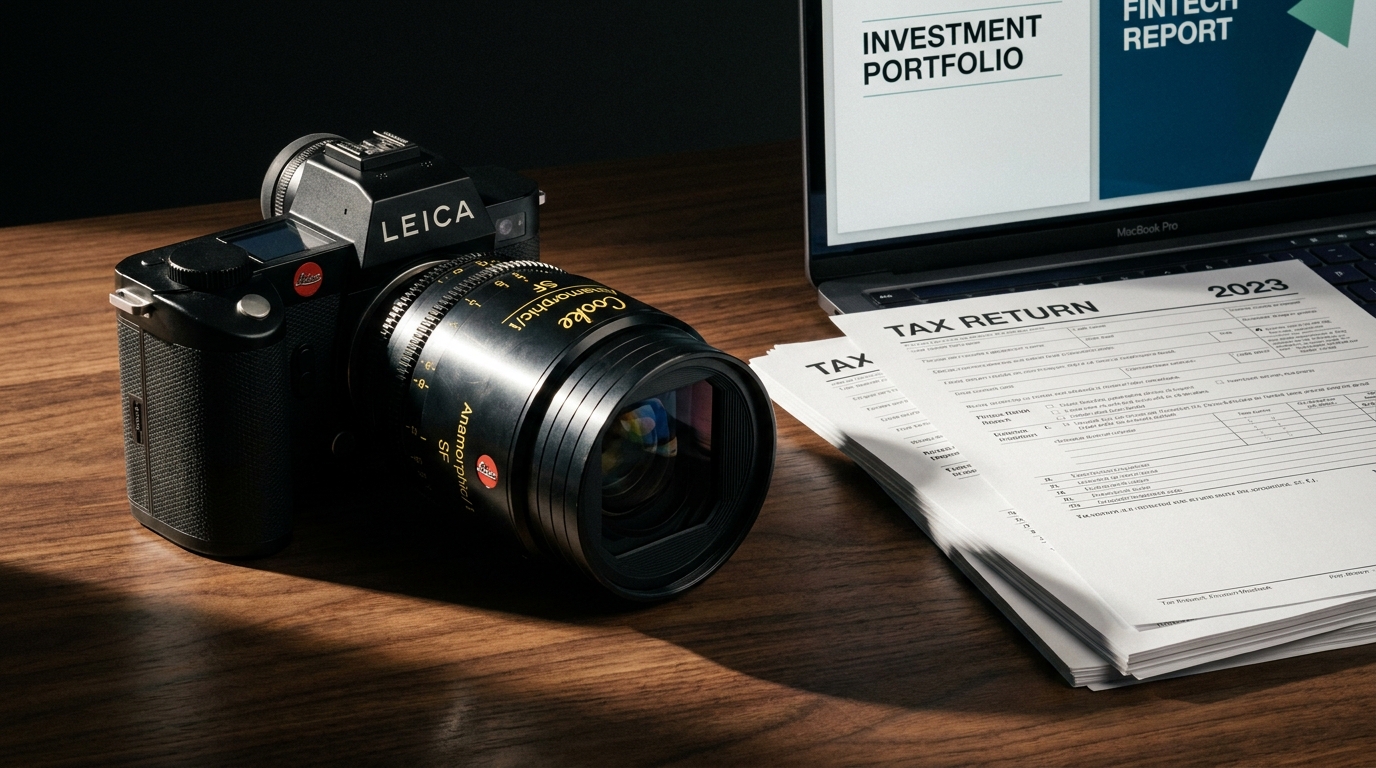
In the modern digital age, manual bookkeeping isn't just a tedious chore—it is a significant financial liability. Physical receipts are fragile. Thermal paper fades incredibly quickly, often turning blank within a few months. Receipts get lost in the depths of winter coats, accidentally washed in the pockets of your jeans, or simply forgotten on the dashboard of your car. Every lost or illegible receipt represents a missed tax deduction, which translates directly to higher tax bills. Over the course of a year, these missed deductions could be costing you hundreds, if not thousands, of dollars. Here is an in-depth look at how AI-powered technology is fundamentally changing the game for the gig economy.
The Hidden Costs of Manual Expense Tracking
To truly understand the value of an AI receipt scanner, we first have to examine the hidden costs of doing things the old-fashioned way. When you sit down at the end of the month (or, let's be honest, the end of the year) to reconcile your expenses, you are subjecting yourself to:
- The Opportunity Cost: If your hourly rate is $75, and you spend four hours a month entering data from receipts, you are effectively "spending" $300 a month on administrative data entry.
- The Error Rate: Human error is inevitable. Typing 18.99 instead of 19.89 might not seem like a big deal on a single lunch receipt, but when aggregated over hundreds of transactions, these transposition errors can severely skew your financial reporting and trigger red flags with tax authorities.
- The Psychological Toll: The lingering anxiety of unstructured financial records is a heavy burden. Knowing you have a backlog of unsorted expenses creates background stress that drains your creative energy and focus.
What Exactly is an AI Receipt Scanner App?
You might be thinking, "I already have a scanner on my phone, why do I need a specialized app?"
It is crucial to understand the difference between basic digital imaging and artificial intelligence. Traditional scanning apps or your smartphone's default camera simply take a picture. They create a flat, static image or a basic PDF of your document. To a standard scanner, a receipt is just a collection of pixels. You still have to look at that image and manually type the data into your accounting software.
An AI receipt scanner app uses advanced Optical Character Recognition (OCR) layered with sophisticated machine learning algorithms to do vastly more than just take a photo. An AI-driven app like Receipt Scan actually "reads" and comprehends the document much like a human would. When you snap a picture, the artificial intelligence instantly goes to work. It scans the layout, identifies the context of the text, and extracts the crucial data points: the vendor's name, the date and time of the transaction, the specific currency used, the tax amount broken down by local rates, and the total cost. Furthermore, because it utilizes machine learning, the software constantly improves. If it encounters a strangely formatted receipt from a local mom-and-pop print shop, it learns how to parse that specific format for the next time.
5 Ways AI Receipt Scanners Revolutionize Freelance Finances
1. Automated, Error-Free Data Extraction
With a dedicated AI receipt scanner app, you no longer have to worry about typos, misplaced decimal points, or illegible handwriting. The AI engine recognizes text patterns and extracts relevant information with incredible, near-perfect accuracy. This means you can scan a lunch meeting receipt in three seconds while walking out of the restaurant and back to your car. The data is instantly logged, digitized, and backed up. No more saving the physical paper, and no more spending your Sunday afternoons doing tedious data entry.
2. Effortless and Bulletproof Tax Compliance
The thought of an audit strikes fear into the heart of almost every independent worker. Fortunately, tax authorities in the United States (the IRS), Canada (the CRA), the UK (HMRC), and most other major countries now legally accept digital versions of receipts as valid proof of purchase, provided they are legible and accurate representations of the original document. By using an AI receipt scanner app, you are creating a permanent, highly searchable digital archive of your entire financial year. If you ever face an audit, you won’t be digging through dusty shoeboxes or trying to decipher faded ink. You will simply apply a date filter and export a clean, mathematically perfect, categorized report to satisfy the auditors instantly.
3. Real-Time Expense Tracking and Better Cash Flow Management
Do you actually know how much you’ve spent on software subscriptions, internet bills, or office supplies this month? When you leave receipts in your wallet for weeks, you lose sight of your immediate cash flow. AI apps provide real-time, actionable insights into your spending habits. By capturing and categorizing expenses the exact moment they happen, you can manage your budget much more effectively. You gain a macro-level view of exactly where your revenue is going, allowing you to cut unnecessary costs before they bloat your monthly budget.
4. Seamless Ecosystem Integration
Modern freelancers use a variety of tools to run their businesses. The best AI receipt scanners do not exist in a vacuum; they integrate seamlessly with the software you are already using. Instead of downloading a spreadsheet and uploading it elsewhere, AI scanners can push your perfectly categorized data directly into platforms like QuickBooks, Xero, FreshBooks, or even custom Notion databases. This interconnected ecosystem means your profit and loss statements are always up to the minute.
5. The Digital Nomad Advantage
For freelancers who travel frequently for client work or embrace the digital nomad lifestyle, managing expenses across different borders is a nightmare. Different currencies, varying international tax rates (like VAT or GST), and foreign languages can make manual entry incredibly complex. Advanced AI receipt scanners automatically detect the currency based on the vendor location and can instantly convert it to your home currency based on the day's exchange rate, saving you from complex mathematical headaches.
How Receipt Scan Empowers the Modern Freelancer
While there are many generic corporate expense tools on the market, Receipt Scan was designed and engineered from the ground up specifically with the independent worker in mind. We understand that freelancers have highly unique needs that differ from large enterprise companies. Freelancers need to track project-specific costs to bill back to clients, and they desperately need an easy way to separate personal purchases from professional expenses when buying both at the same store.
Here is how our platform elevates your freelance business:
- Smart, Predictive Categorization: Our AI learns from your personal habits. If you regularly buy printer ink from the same local supplier, Receipt Scan remembers this and automatically tags the expense to your "Office Supplies" tax category. You can even set up custom rules for specific vendors.
- Flawless Cloud Syncing: Access your financial data from any device. Because everything is backed up to secure cloud servers, your records are always up to date and protected against hardware failure. Whether you're reviewing expenses on your laptop at your home desk or checking your monthly spending on your smartphone at the airport, your data is at your fingertips.
- Bank-Level Security: We know that financial data is highly sensitive. Receipt Scan utilizes advanced encryption standard (AES) protocols to ensure your data is locked down. Your financial privacy is our top priority, ensuring your business intelligence remains strictly yours.
- Export-Ready, Professional Reports: Generating professional expense reports takes mere seconds. You can compile your data into beautifully formatted CSV or PDF reports to send directly to your clients for reimbursement, to hand off to your CPA, or to import directly into your favorite accounting software.
Best Practices for Going Digital
If you are ready to make the transition, here are a few quick tips to ensure you get the most out of your new AI assistant:
- Build the Habit: The app only works if you use it. Make it a hard rule to scan your receipt the moment it is handed to you by the cashier, or the moment it hits your inbox if it's a digital receipt.
- Verify High-Value Purchases: While AI is incredibly accurate, it is always a good best practice to give a quick manual glance to ensure the total amount is correct on large purchases (like a new laptop or camera gear) before tossing the physical copy.
- Define Your Categories Early: Take 10 minutes when you first download the app to set up categories that mirror your country's tax deduction forms (e.g., Schedule C categories in the US). This makes end-of-year reporting completely frictionless.
Maximize Your Deductions Today
The transition from an archaic, paper-based system to a sleek, modern AI receipt scanner app is arguably one of the easiest and most impactful ways to professionalize your freelance business operations. By taking the friction out of bookkeeping, you will dramatically reduce your administrative stress, eliminate costly human errors, and ensure that you legally keep much more of your hard-earned money when tax season rolls around.
You became a freelancer to do the work you love, not to be a part-time data entry clerk. Are you ready to stop squinting at faded thermal paper and agonizing over lost deductions? Experience the immense power of automated, intelligent expense tracking and see for yourself exactly why thousands of independent contractors and freelancers trust Receipt Scan to handle their documentation securely, quickly, and flawlessly.